Nearby
Nearby lets the App talk to a device over Bluetooth, Wi‑Fi, or the device hotspot for responsive local control — useful when you are in the same building or the internet is slow.
Use Cloud control when you are away. Nearby does not replace your account login or permissions.
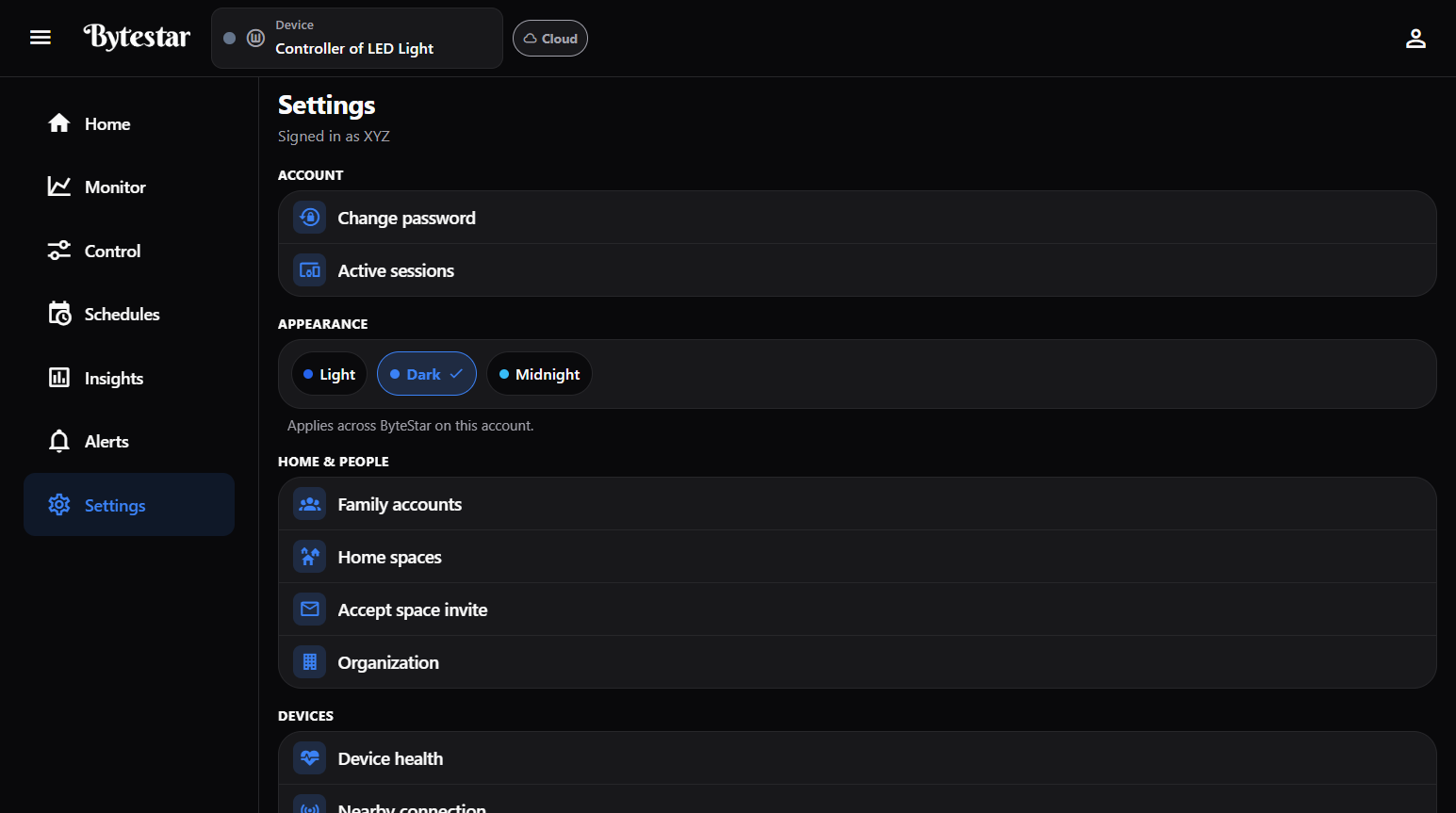
Settings → Nearby connection — or tap Cloud in the header.
How to open Nearby
- Tap the Cloud badge in the header to connect Nearby
- Long-press the Cloud badge for Nearby settings
- Or open Settings → Nearby connection
What the App tells you
- Faster local control over Bluetooth or Wi‑Fi — even when the internet is slow
- Cloud control pauses until you disconnect Nearby; the device can stay online in the cloud sense
- Session lasts up to 1 hour
Connect options
| Mode | Notes |
|---|---|
| Bluetooth | Best in Chrome or Edge on web; stay within a few meters; pair this phone once for keys |
| Wi‑Fi | Same local network as the device |
| Device hotspot | Join the controller’s hotspot when offered |
Actions you may see:
- Connect / Scan again
- Pair this phone / Forget Bluetooth association / Forget this phone
- Owner: Allow Nearby on this device · Revoke all phone pairings